 After Shoot
Looks for the whole batch
Original, Natural, Vivid, Portrait, Black and White, Warm, Cool, and Film — applied to every photo or just the one you open.
Mac app · Offline · No account
Turn a folder of camera RAW photos into JPG. Apply one professional look to the whole batch, fine-tune a single photo, then export — while every file stays on your Mac.
Sony, Canon, Nikon, Fujifilm, Olympus, Panasonic, and DNG.
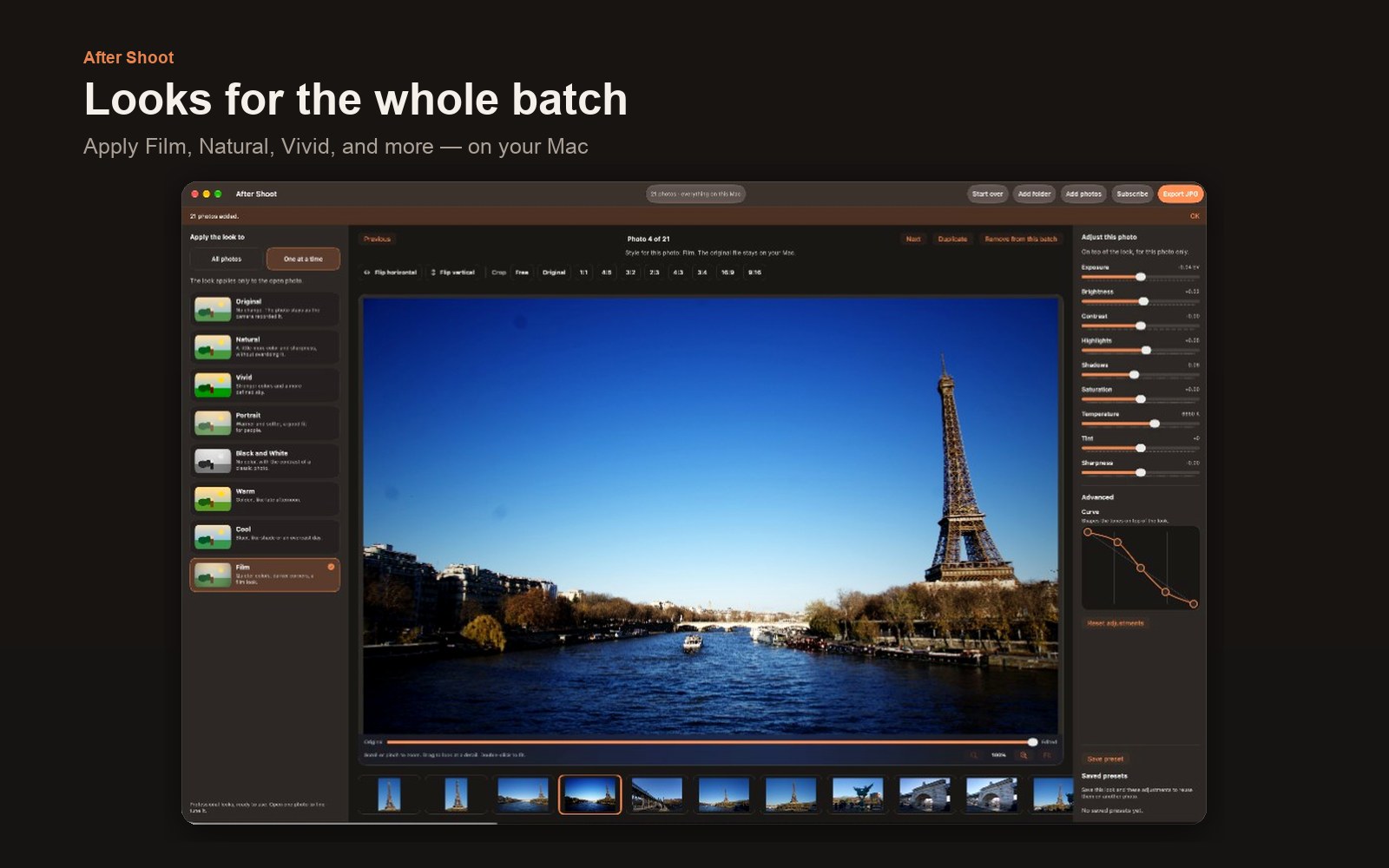
Choose a look once, open any photo that needs more care, then save the whole batch as JPG. Original RAW files are never changed or deleted.
Original, Natural, Vivid, Portrait, Black and White, Warm, Cool, and Film — applied to every photo or just the one you open.
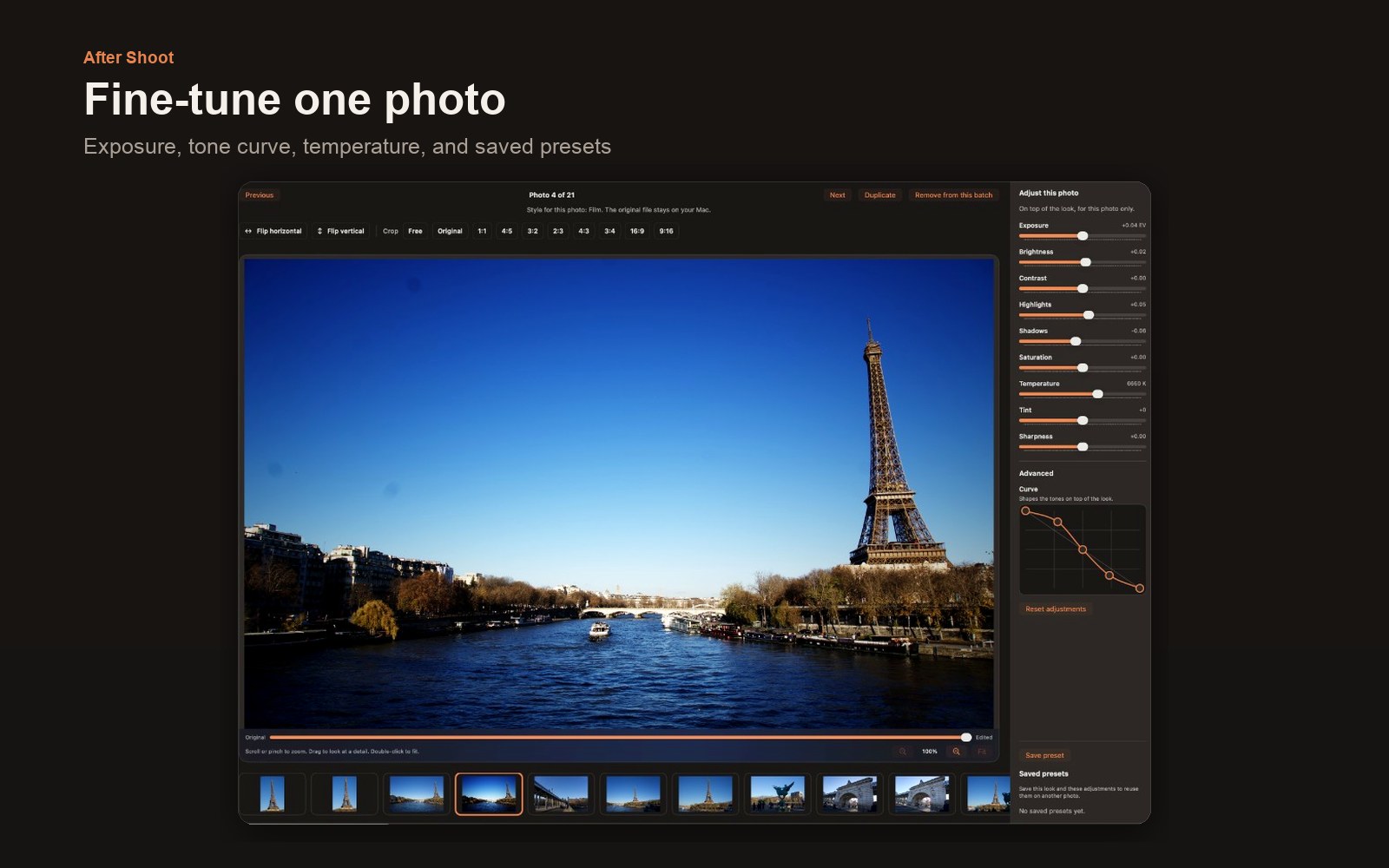
Exposure, brightness, contrast, highlights, shadows, saturation, temperature, tint, sharpness, and an advanced tone curve. Save the result as a preset.
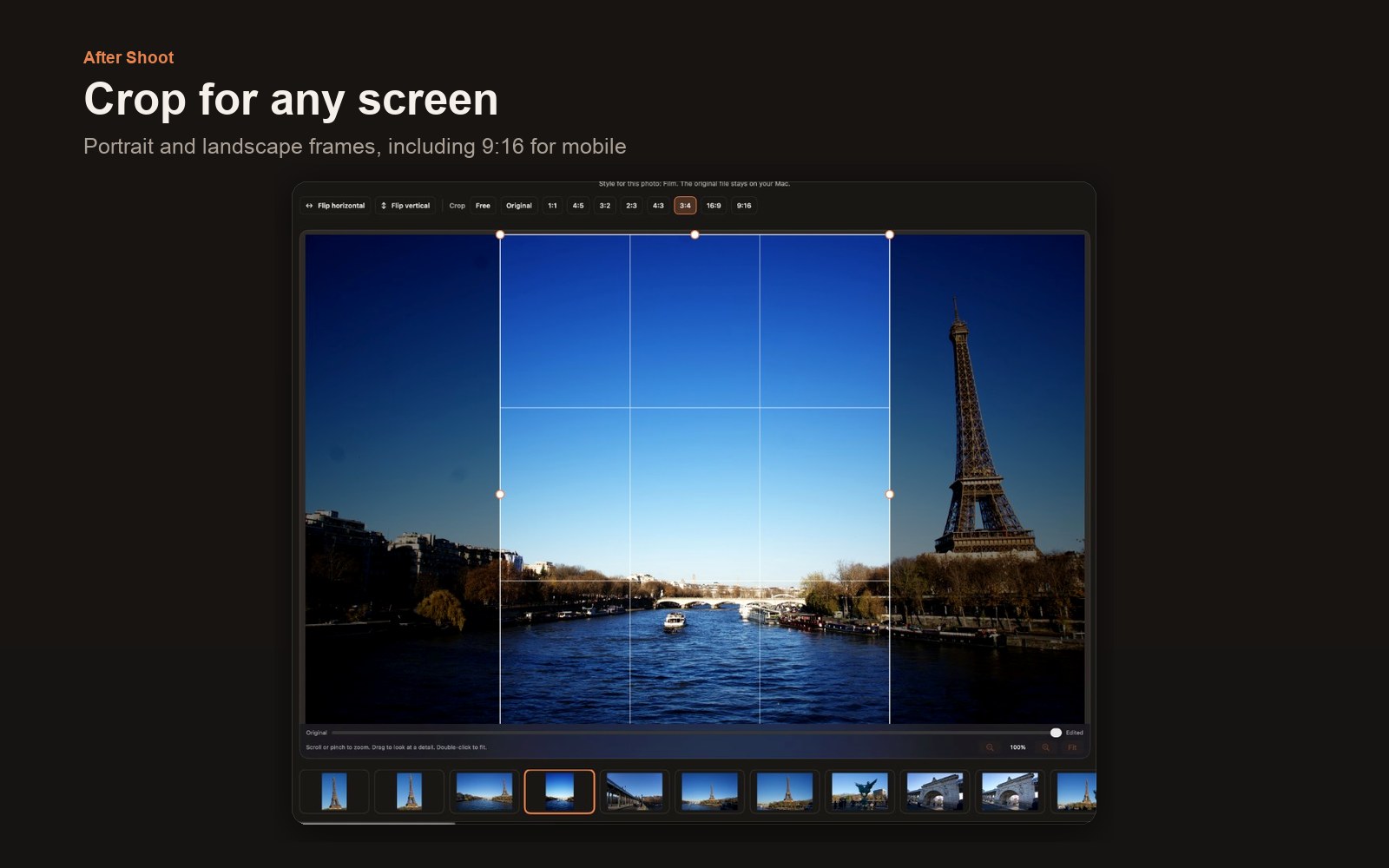
Mirror horizontally or vertically, then crop to Free, Original, 1:1, 4:5, 3:2, 2:3, 4:3, 3:4, 16:9, or 9:16 for phones and stories.
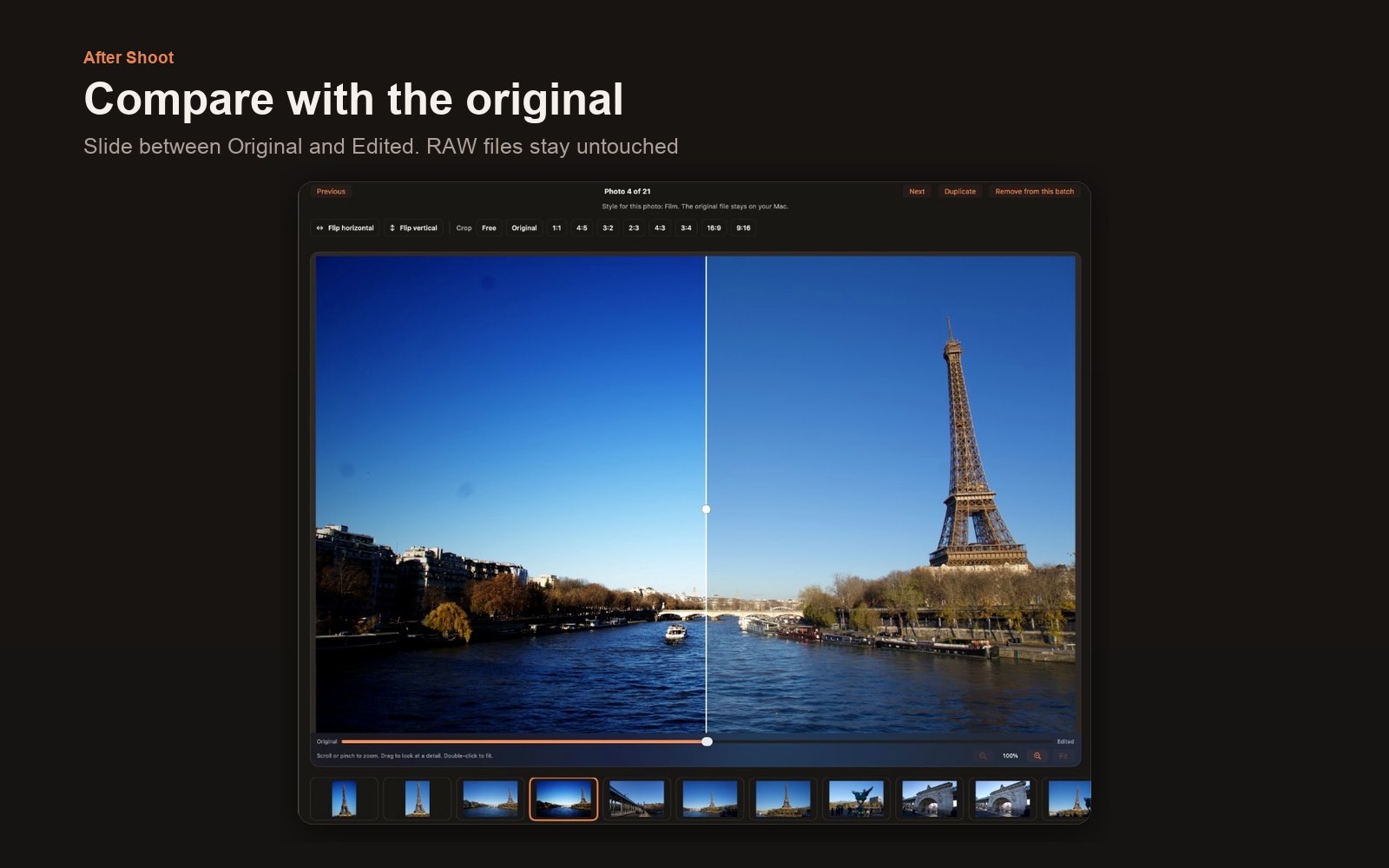
Hold Original or slide between Original and Edited. Scroll, pinch, or zoom to check a detail before you export.
No uploads, no account, no AI. Photos stay in the folders you choose. Exported JPGs go only where you pick.
When you add a folder, looks and adjustments are saved with it and return the next time you open that folder.
A calm dark workspace for finishing a shoot without leaving your Mac.
Three steps from the card to finished JPGs.
Drop a folder, or add photos and folders from the toolbar. Camera RAW only.
Style the whole batch, or open one photo to adjust, flip, crop, and save a preset.
High quality keeps full size. For sharing makes a smaller file for messages and email.
Looks, adjustments, flips, crops, and presets stay available before purchase. Saving JPG files requires an active subscription through your Apple Account.
Use these URLs in App Store Connect and in the app paywall.
After Shoot on the Mac App Store. Domain: aftershoot.app